 Vezik
Remove Background from Photo Online
Upload a photo and get the subject back on a transparent background in about a minute: hair, fur and product edges included. Download a PNG for listings, stickers, slides or your next design.
Quick edits
Size
Sign up free to get 5 credits
Background removal examples
Drag the slider to compare. Press Try this to run the same edit on that photo.
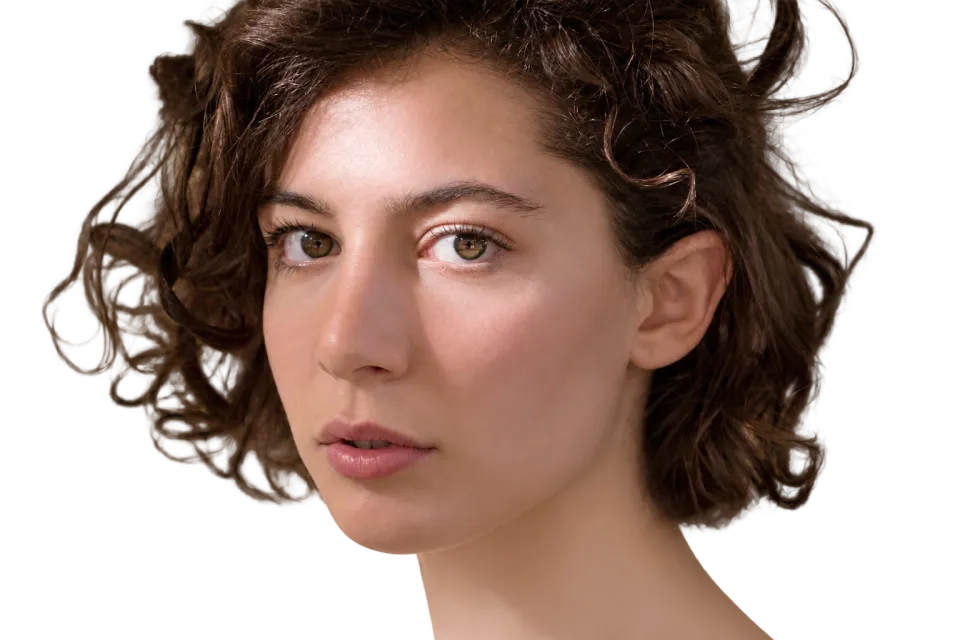
 BEFOREAFTER
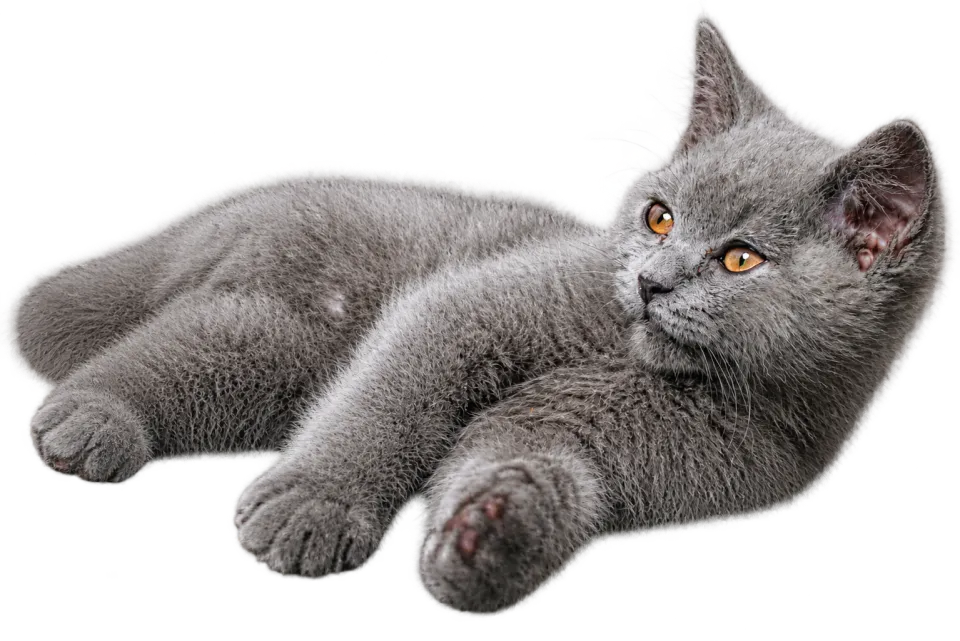
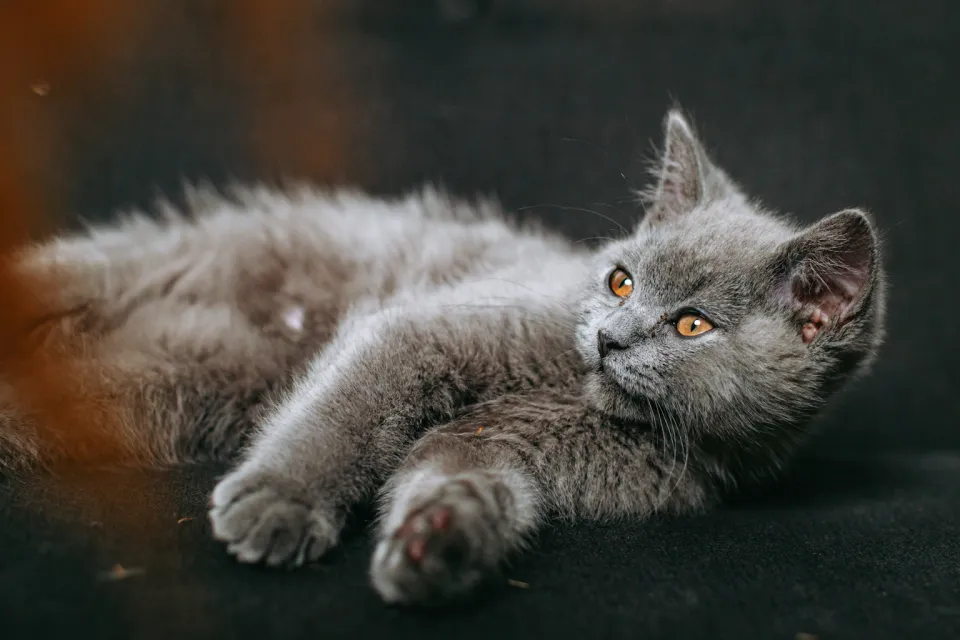 BEFOREAFTER
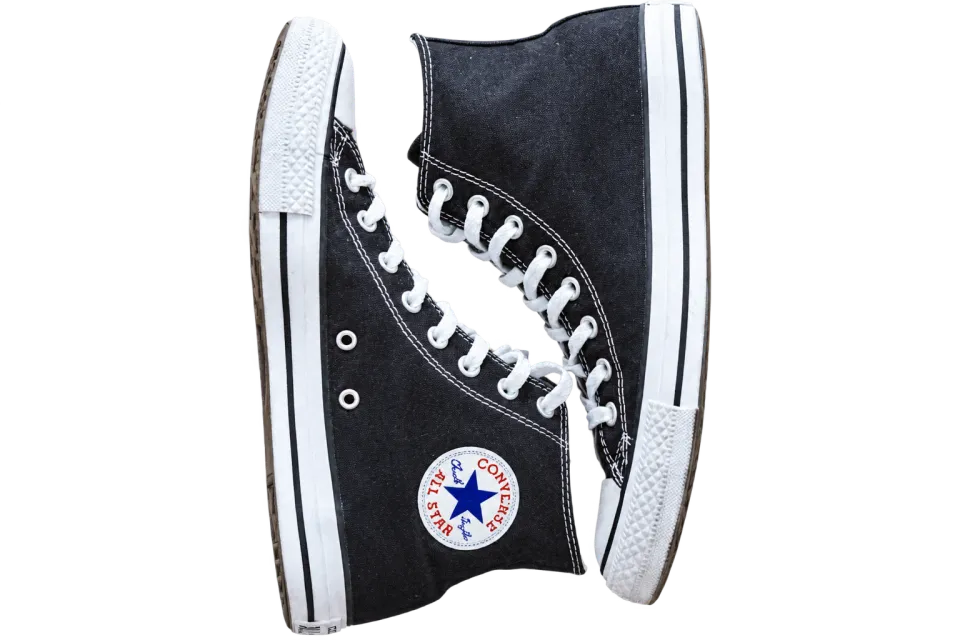
 BEFOREAFTER
How to remove the background from a photo
Upload a JPG, PNG or WEBP above. Remove background is already picked, so press Edit photo with AI, compare before and after, and download the transparent PNG. Want a color or a scene instead? Write it in the box, for example "white background" or "on a marble table".
Works on people, products, pets and logos
Portraits with loose hair, sneakers and bottles with reflections, cats and dogs, signatures and logos: the AI finds the main subject and keeps its edges and fine detail. If the photo has several subjects, say which one to keep: "keep only the woman in the red coat".
Transparent PNG or a new background
A transparent PNG drops onto any design in Canva, Figma, PowerPoint or your store. To replace the background instead, use the New background quick edit or describe the scene, and the light and shadows are matched to the subject.
Background removal for online stores
Marketplaces such as Amazon ask for product photos on pure white. Remove the background, then ask for "pure white background with a soft shadow", or open the product photo editor for full listing shots.
What it costs
Your first edit is free without an account, and signing up adds 5 free credits. Each background removal is 1 credit; a $9.99 pack gives 20 credits that never expire. If an edit fails, the credit comes back automatically.
Is the background remover free?
Your first edit is free without signing up, and an account adds 5 free credits. After that each removal costs 1 credit; 20 credits cost $9.99.
Will the download really be transparent?
Yes. With Remove background picked or Transparent PNG ticked, the file is a PNG with an alpha channel, so the background is see-through in any editor.
Can it handle hair and fur?
Yes, it keeps strands of hair and fur instead of cutting a hard outline. Busy backgrounds in the same color as the hair are the hardest case; a second try or a clearer photo helps.
Can I remove the background from several photos at once?
One photo per edit. Each edit takes about a minute, and finished edits stay under My edits for 7 days.
Does Vezik keep my photos?
Only as long as needed: uploads are deleted after 2 days and results after 7 days, and nothing is shown publicly.