 Vezik
AI Photo Enhancer: Sharpen and Upscale Photos Online
Turn a blurry, noisy or faded photo into a clean, sharp HD image. Upload it, keep the Enhance quick edit, and the AI brings back detail and color without changing who or what is in the picture.
Quick edits
Size
Sign up free to get 5 credits
Photo enhancer examples
Drag the slider to compare. Press Try this to run the same edit on that photo.
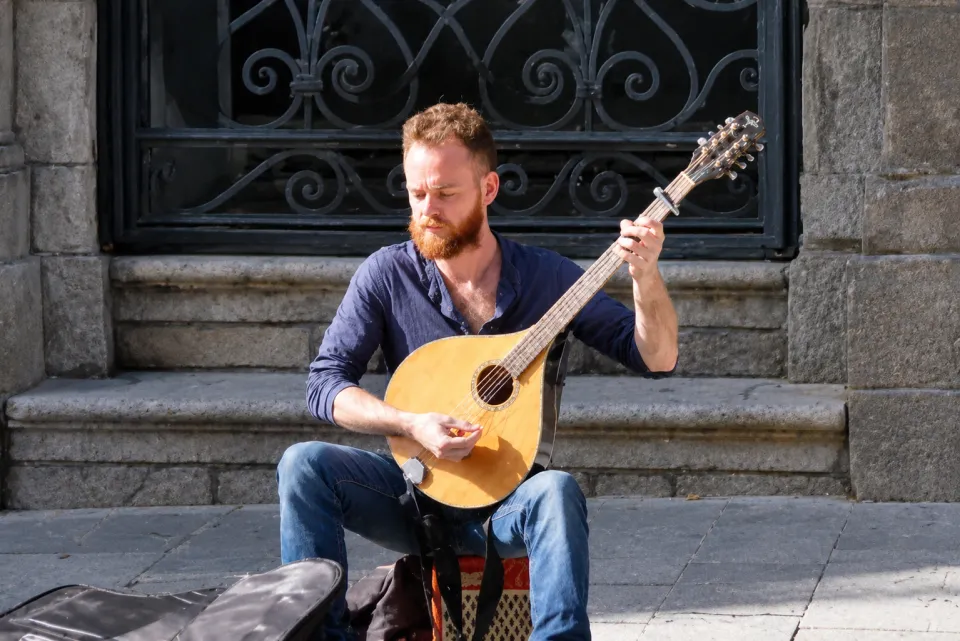
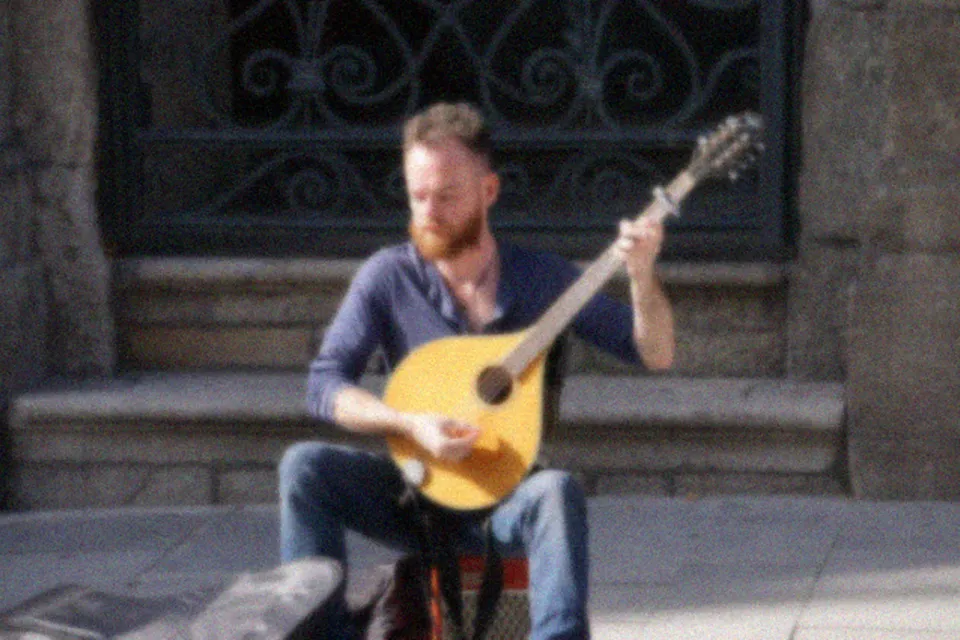 BEFOREAFTER
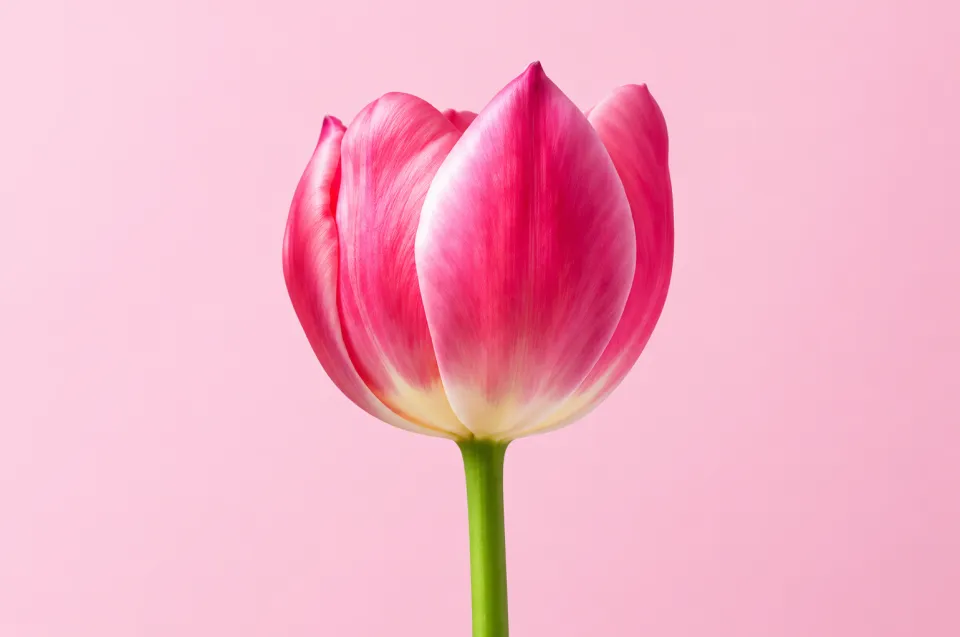
 BEFOREAFTER
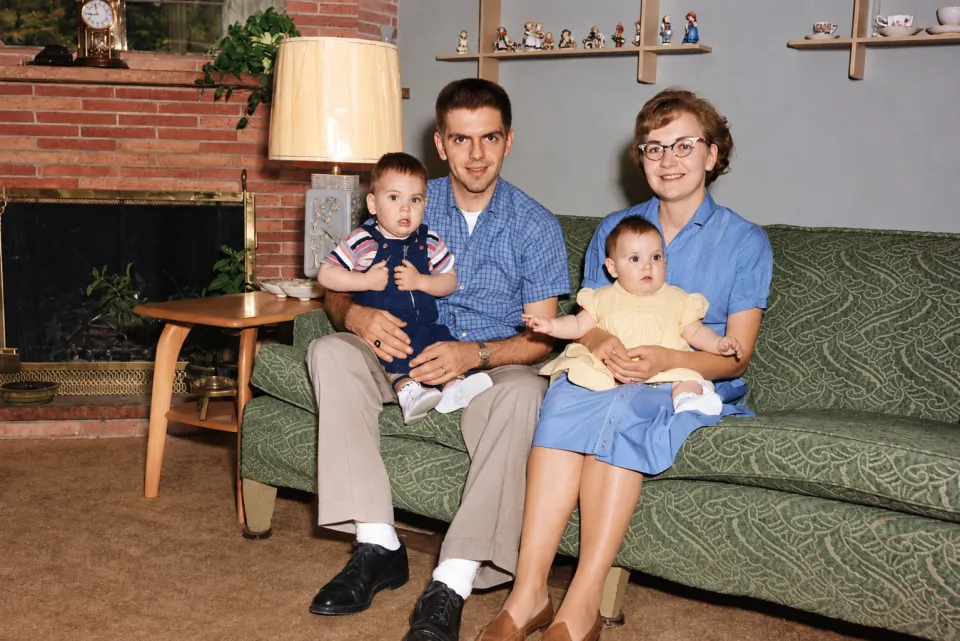
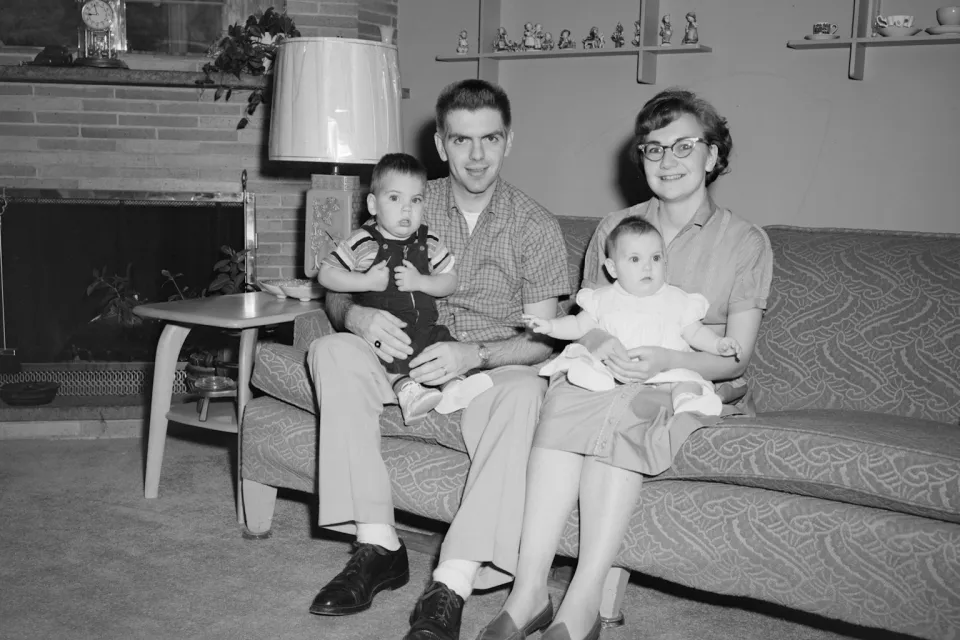 BEFOREAFTER
How to enhance a photo with AI
Upload the photo above; Enhance & upscale is already picked. Add what bothers you if you like, "the face is soft" or "colors are washed out", then press Edit photo with AI and compare before and after with the slider.
Fix blur, noise and compression
Phone shots taken in low light, screenshots of screenshots and over-compressed images from chats get their edges and textures back. The AI rebuilds detail instead of only turning up sharpness, so there is no halo around edges.
Upscale small photos to HD
Small images such as old profile pictures or thumbnails come back as HD PNG files, up to 1536 px on the long side. For print-size enlargements, start from the largest copy of the photo you have.
Restore old and scanned photos
Scan or photograph the print, then ask for "remove scratches and dust, restore the colors". Faded color, yellow casts and small tears are fixed, and you can add "colorize" for black and white photos.
Keeps faces the same
The enhancer is told to keep the people, content and composition exactly as they are. If a face looks different, run it again with "keep the face exactly the same" in the prompt. A failed edit returns its credit.
Is the AI photo enhancer free?
The first edit is free without an account and sign-up adds 5 free credits. Each enhancement is 1 credit afterwards; 20 credits cost $9.99.
How much does it upscale?
Results are HD PNG files up to 1536 px on the long side, so small photos get noticeably larger and sharper. It is not a 4K or print upscaler.
Can it fix a very blurry photo?
It recovers a lot of motion blur and soft focus, but a face that is only a few pixels wide cannot be rebuilt exactly. The clearer the source, the more faithful the result.
Does it work on old black and white photos?
Yes. Ask it to restore the photo, and add "colorize" if you want color.
Is there a watermark?
No. Vezik downloads are clean PNG files.