 Vezik
AI Image to Image Generator
Start from a photo instead of a blank prompt. Upload an image, describe what it should become, a watercolor, a new season, another outfit, and the AI builds the new picture on your original composition.
Quick edits
Size
Sign up free to get 5 credits
Image to image examples
Drag the slider to compare. Press Try this to run the same edit on that photo.
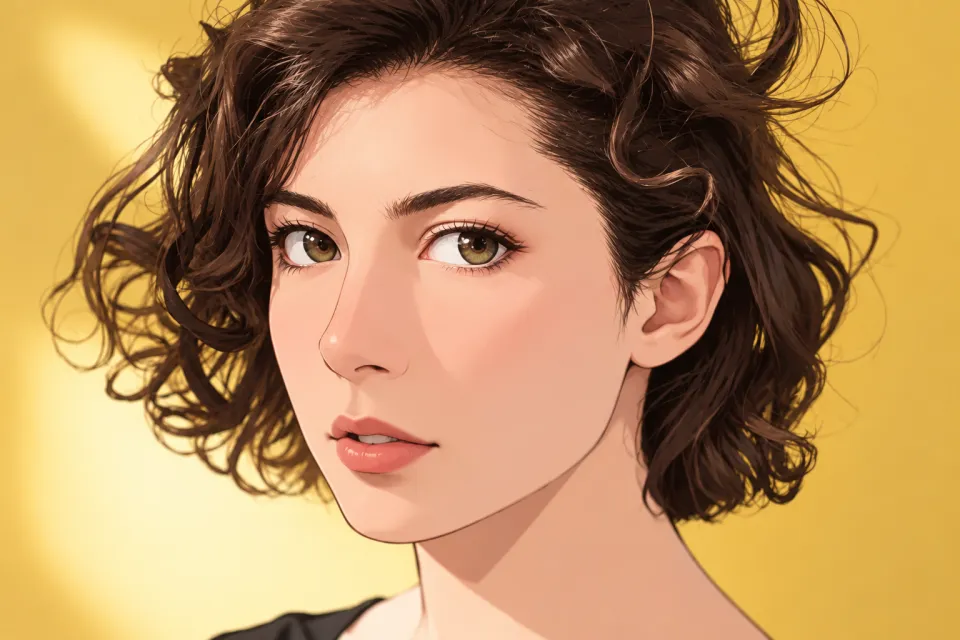
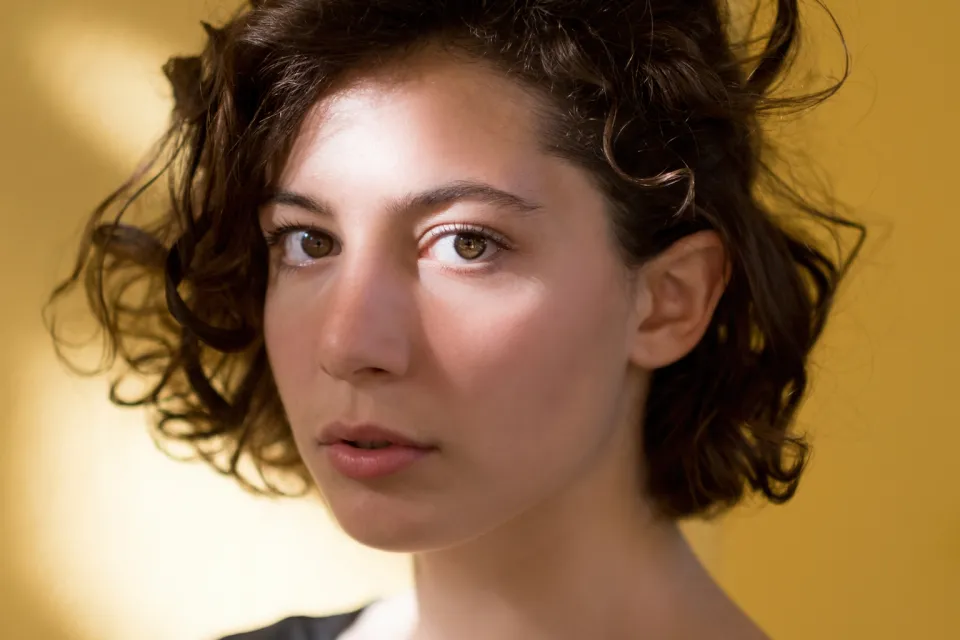 BEFOREAFTER
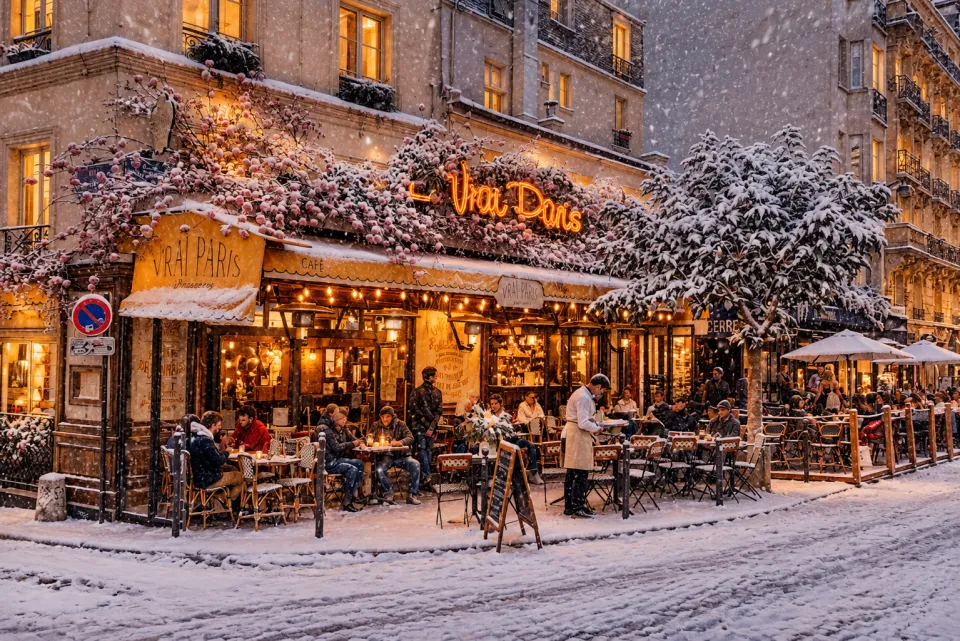
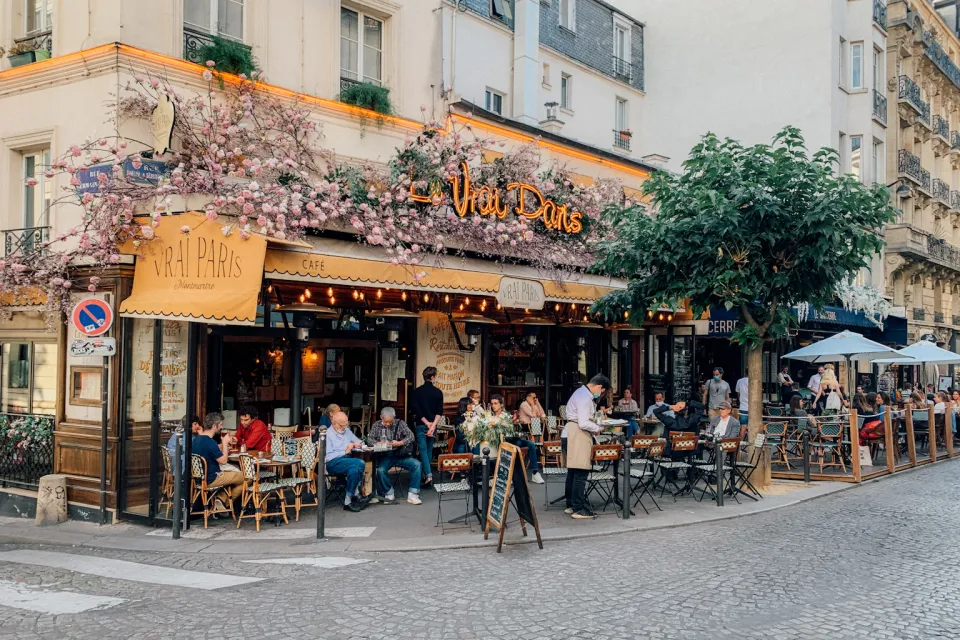 BEFOREAFTER
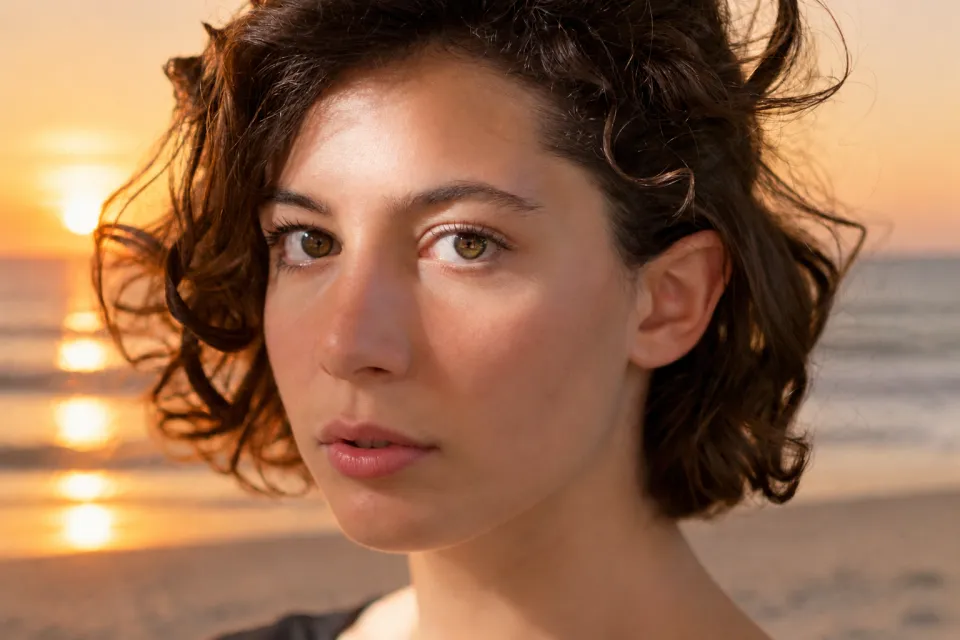
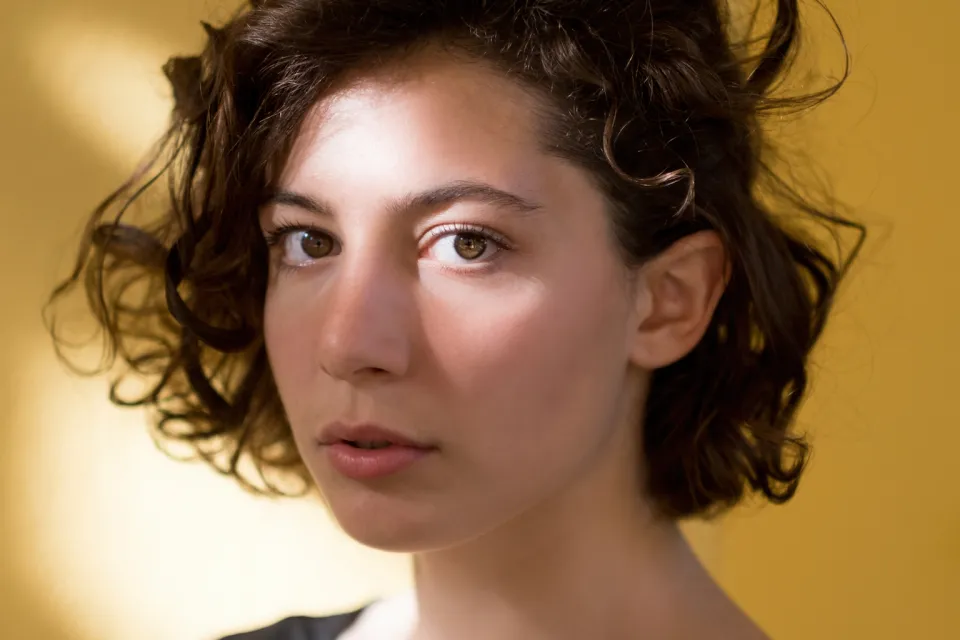 BEFOREAFTER
How image to image works
The first photo you upload is the base: its layout, pose and subject guide the result. Your prompt says what to change. Add up to 3 more photos as references, for example a product to place in the scene or a style to copy, and name them in the prompt: "put the bag from the second photo in her hand".
Restyle a photo
Turn a photo into an oil painting, anime frame, 3D render, pencil sketch or vintage film shot while keeping the composition. Name the style and one or two details: "watercolor, soft paper texture, keep the faces".
Change seasons, outfits and settings
Make a summer street snowy, put a person in a suit, move a car to a desert road at dusk. Say what to keep as clearly as what to change, and edit the result again for the next change.
Combine several images
Upload a person and a place, or a product and a scene, and ask the AI to combine them. This is the quickest way to make mockups and social posts without a photo shoot.
Text to image, too
No starting photo? Switch the editor to Text to image and describe the picture. One generation is 1 credit, the same as an edit, and your first one is free without an account.
What is image to image AI?
It is AI image generation that starts from your photo instead of only a text prompt, so the result keeps your composition and subject while the prompt changes the style or content.
How many images can I combine?
Up to 4 per edit: the first is the one being edited and the others are references.
Can I use the results commercially?
Yes, the images you create with Vezik are yours to use. Only upload photos you have the right to use.
How much does it cost?
Each generation is 1 credit. The first is free without an account, sign-up adds 5 credits, and 20 credits cost $9.99.
What sizes can I get?
Original ratio, square (1:1), portrait (2:3) or landscape (3:2), as HD PNG files.