 Vezik
Free Product Photo Editor for Online Stores
Shoot the product on your kitchen table and turn it into a clean listing photo: pure white background, soft shadow, or a styled lifestyle scene. The product, its logo and label stay exactly as they are.
Quick edits
Size
Sign up free to get 5 credits
Product photo examples
Drag the slider to compare. Press Try this to run the same edit on that photo.
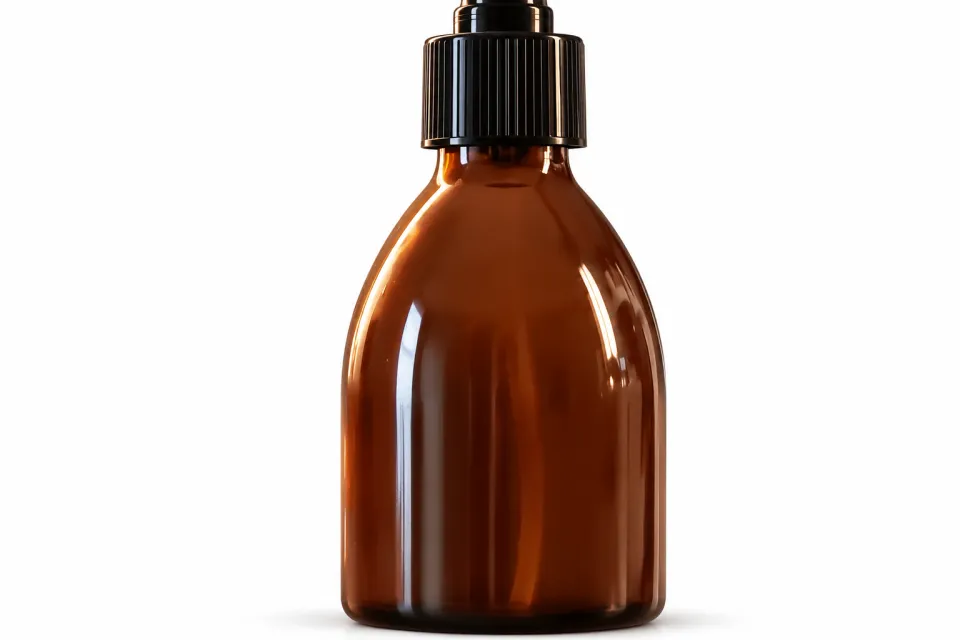
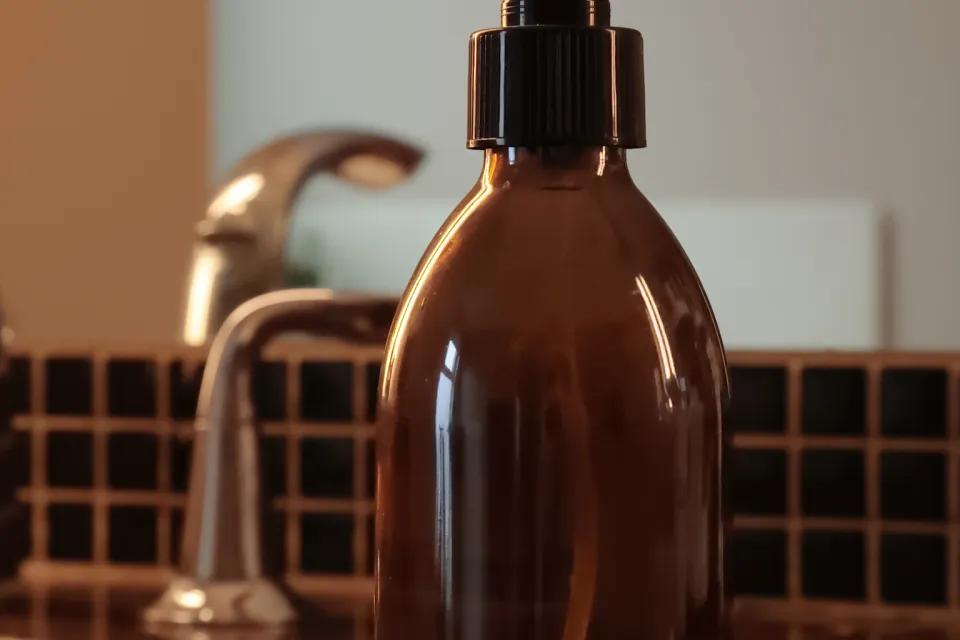 BEFOREAFTER
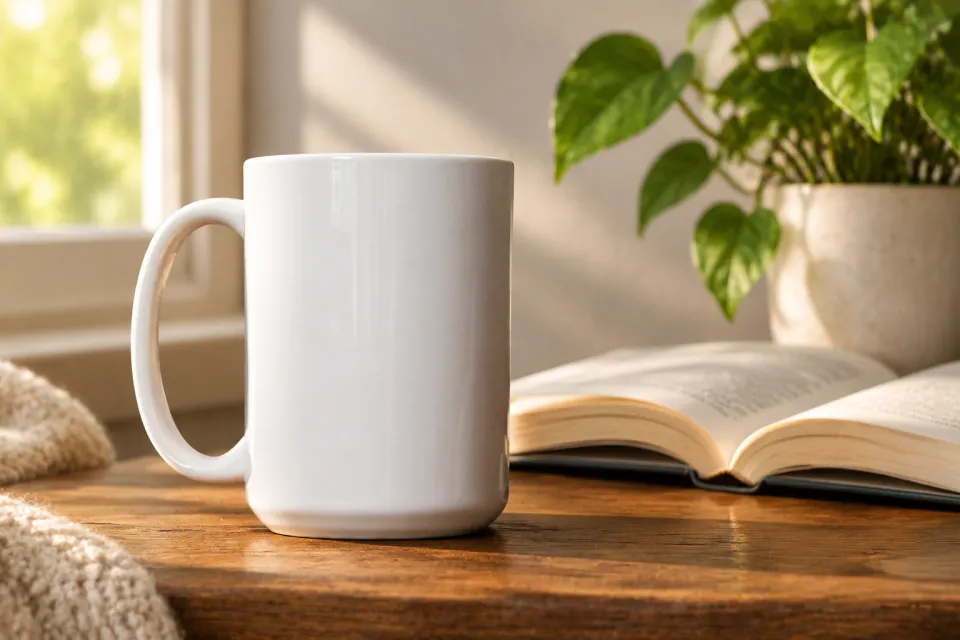
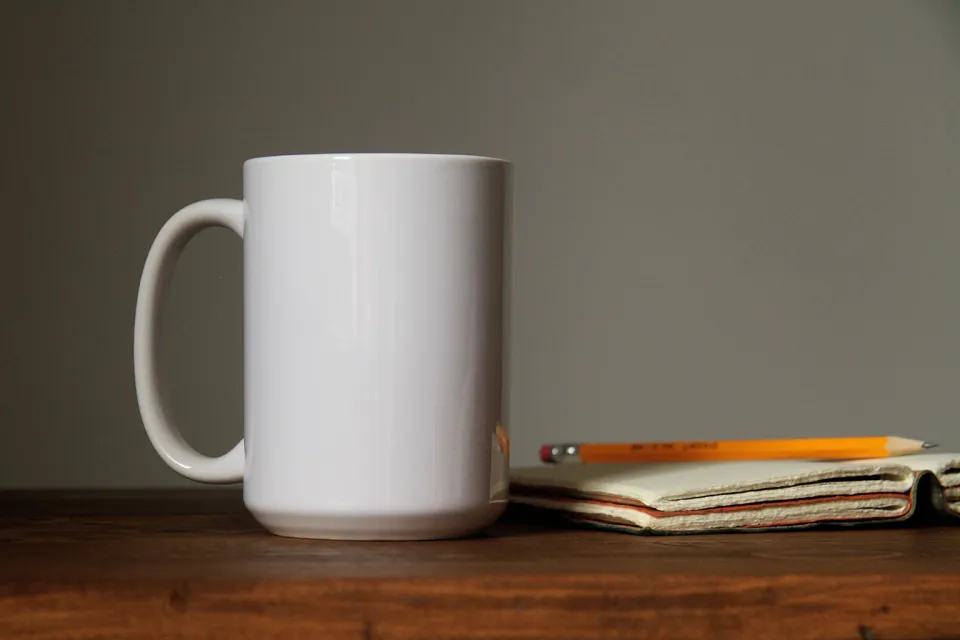 BEFOREAFTER
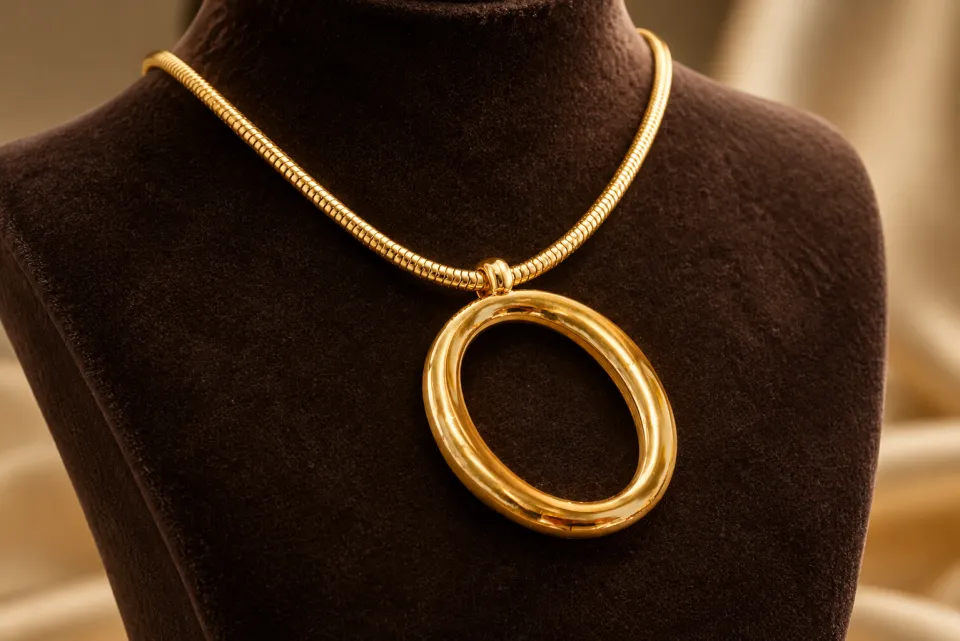
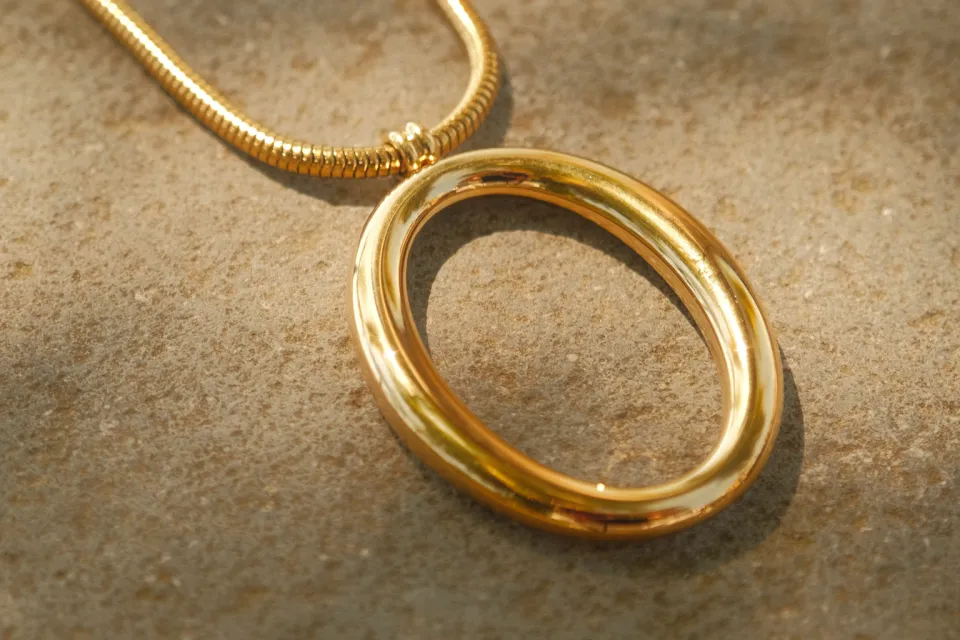 BEFOREAFTER
How to edit a product photo with AI
Upload the photo above; Product shot is already picked with a white studio background. Change the prompt for a different look, "on a wooden shelf with plants" or "floating on a pastel gradient", then download the PNG.
White background for Amazon and marketplaces
Amazon main images need a pure white background with the product filling most of the frame. Ask for "pure white background, product centered, soft shadow" and choose the 1:1 size. Shopify, Etsy and eBay listings work the same way.
Lifestyle scenes without a photo shoot
Put a candle on a cozy bedside table, a bottle on a beach towel, a watch on a wrist. Upload a second photo as a reference when you want a specific setting or model.
Keeps your product accurate
The product prompt tells the AI to keep shape, colors, logo, label text and proportions unchanged. Check small print on labels before publishing, and run the edit again if a detail moved.
Need just a cut-out?
For a transparent PNG to drop into your own templates, use the background remover. For dark or blurry source photos, run the AI photo enhancer first.
Is the product photo editor free?
Your first edit is free without an account, and sign-up adds 5 free credits. Then each photo is 1 credit: 20 credits cost $9.99, and plans give 50, 150 or 400 edits a month.
Are the photos allowed on Amazon?
Use a pure white background, keep the product accurate and fill most of the frame, which is what Amazon asks for main images. Always check the current rules of your marketplace.
Will it change my logo or label?
It is told to keep logos and label text exactly the same. Small text can still shift, so check it before you publish and re-run the edit if needed.
Can I use the images commercially?
Yes. The photos you edit with Vezik are yours to use in listings, ads and social media.
What size should I pick?
Square (1:1) for most marketplaces, portrait (2:3) for Pinterest and stories, landscape (3:2) for banners.